





Accessibility Statement
If any part of this website is hard for you to read, navigate or complete, there is a person at the other end of a phone line who can do it with you instead. This page explains the standard the site is built toward and how to ask for help.
Last updated: September 22, 2026
What this accessibility statement covers
This accessibility statement covers the ANEWU website at anewucenter.com. It explains the standard the site is built toward, WCAG 2.1 Level AA, what ANEWU does when a barrier is found, and how to reach the Buckhead, Cumming or Dawsonville office by phone if any page is difficult to use.
1. Our commitment
ANEWU wants this website to be usable by everyone, including patients who use assistive technology such as screen readers, screen magnification, or voice input. We are committed to providing an accessible experience and to addressing accessibility barriers when they are identified.
2. Standards we follow
We aim to meet the Web Content Accessibility Guidelines (WCAG) 2.1, Level AA, a widely recognized set of standards for making web content more accessible to people with disabilities.
What does WCAG 2.1 Level AA mean?
WCAG 2.1 Level AA is the middle of three conformance levels in the Web Content Accessibility Guidelines, published by the World Wide Web Consortium. It covers readable color contrast, keyboard operability, resizable text, descriptive link and image text, and clear form labels. It is the level this website is built toward.
Meeting Level AA is a target rather than a finished state. New pages and updates are reviewed against it as they go live, and anything that falls short is corrected once it has been identified.
3. Ongoing efforts
Accessibility is an ongoing effort. As we add or update pages on this website, we review them for readable color contrast, keyboard navigation, descriptive link and image text, and clear form labeling, and we correct issues we find.
4. Known limitations
Despite our efforts, some pages or features on this website may not yet be fully accessible. If you encounter a barrier, please let us know using the contact information below so we can address it.
What should I do if a page on this site does not work with my screen reader?
Call ANEWU at (470) 288-9655 and tell the team which page and which part of it gave you trouble. Staff can read the information to you over the phone, take your details verbally, and book your consultation without you returning to the website at all.
Reports like that are what drive the fixes. Naming the page address, the browser and the assistive technology you use makes the problem much quicker to reproduce and correct.
5. Third-party content
This website may link to or embed content from third parties, such as map or directions links. We do not control the accessibility of third-party websites or content.
How this website itself may be used is set out separately in our terms of use, which applies to the pages published here rather than to anything you reach by following an outbound link.
6. Feedback & accommodation requests
If you use assistive technology and have difficulty accessing any part of this website, or if you need an accommodation to schedule or attend an appointment, please contact our office. We will work with you to provide the information or assistance you need in a way that works for you, including by phone.
How do I request an accommodation for an appointment at ANEWU?
Call the office at (470) 288-9655 before your visit and describe what you need. A request can be anything from large print paperwork to extra time at check in, help with new patient forms by phone, or a companion in the consultation room. Earlier notice gives the team more time to arrange it.
The new patient forms can be completed online before you arrive, or over the phone with a member of the team if the online version is hard for you to use.
Reading through what to expect at your first visit ahead of time also helps, because it walks through the check in sequence step by step so nothing on the day is a surprise.
7. Contact us
Call us at (470) 288-9655 or visit us at any of our three Georgia locations: Buckhead, Cumming or Dawsonville, Monday to Saturday, 7am to 5pm.
Can I book a consultation by phone instead of using the website?
Yes. Every appointment ANEWU offers can be booked by calling (470) 288-9655 during office hours, Monday to Saturday. The website form is one route, not a requirement. The same free consultation and the same three Georgia locations are available to you over the phone as they are online.
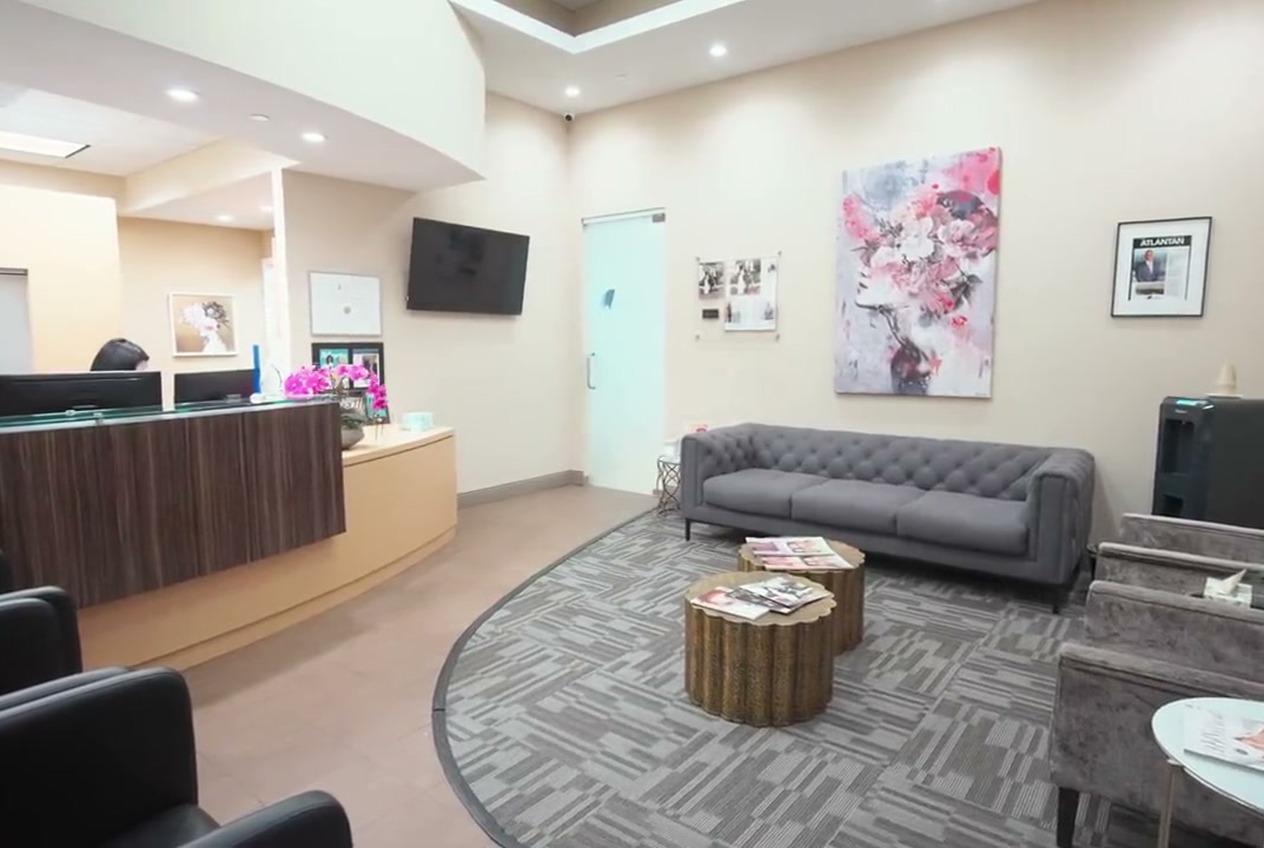
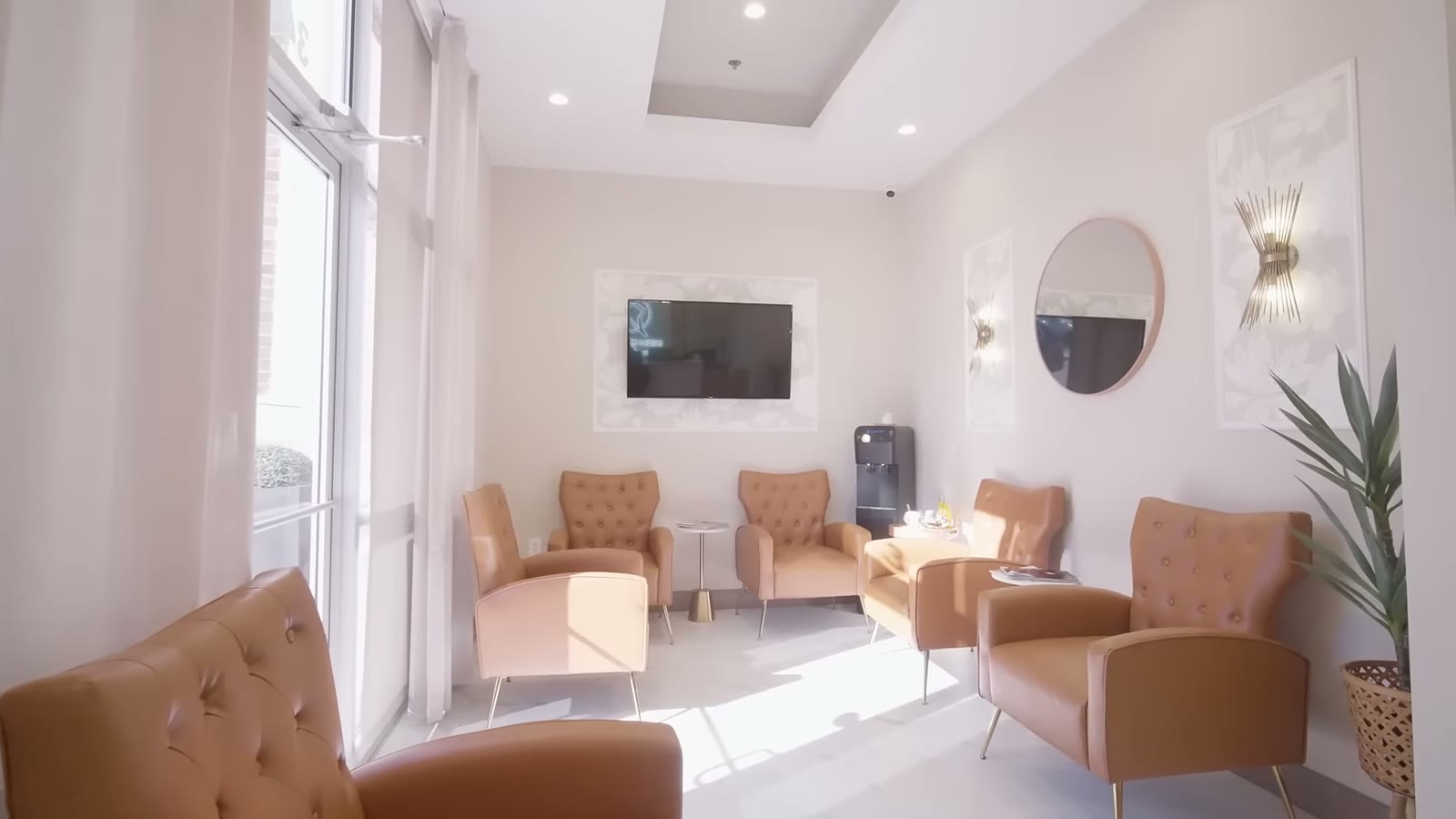
If you would rather see the rooms before committing to anything, you can look through a tour of the office at your own pace, and the team can describe the layout to you by phone as well.
Accessibility questions, answered.
This statement covers the ANEWU website. For access to the office itself, including parking, entry and the consultation room, call (470) 288-9655 and the team will tell you what to expect at the Buckhead, Cumming or Dawsonville location you plan to visit.
Call (470) 288-9655 and describe the page and the problem, or mention it at your next visit. Reports are reviewed and pages are corrected as issues are identified. Including the page address and the assistive technology you use makes the problem quicker to reproduce.
Yes. Call (470) 288-9655 and a member of the team will go through the new patient forms with you by phone and record your answers. You can also ask for paper copies to be ready when you arrive so nothing has to be filled in on a screen.
No. This website links to third party content such as map and directions links, and ANEWU does not control how accessible those services are. If a third party link is the part causing trouble, call the office and the directions can be given to you over the phone.
The privacy policy, the notice of privacy practices and the terms of use are all linked in the footer of every page on this website. Each one is a plain web page rather than a download, so it can be read with a screen reader or enlarged in your browser.
Other patient resources and policies
Every page below is a standard web page, so it can be enlarged, read aloud or navigated by keyboard the same way this one can.
We will make scheduling work for you.
Book online if that suits you, or call and a member of the team will take your details, answer your questions and hold the appointment while you decide.
Last updated September 2026.